 MaganamacOS app
Press and release ⌘. The input follows.
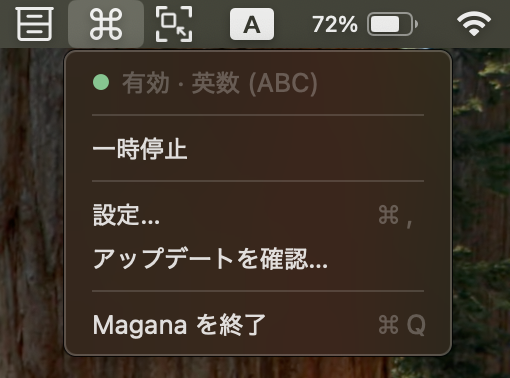
Magana is a macOS menu bar app that switches to Latin input when you press and release the left ⌘, and to Japanese when you press and release the right one. A US keyboard has no eisu or kana key, so the two ⌘ keys stand in for them.
FUNCTION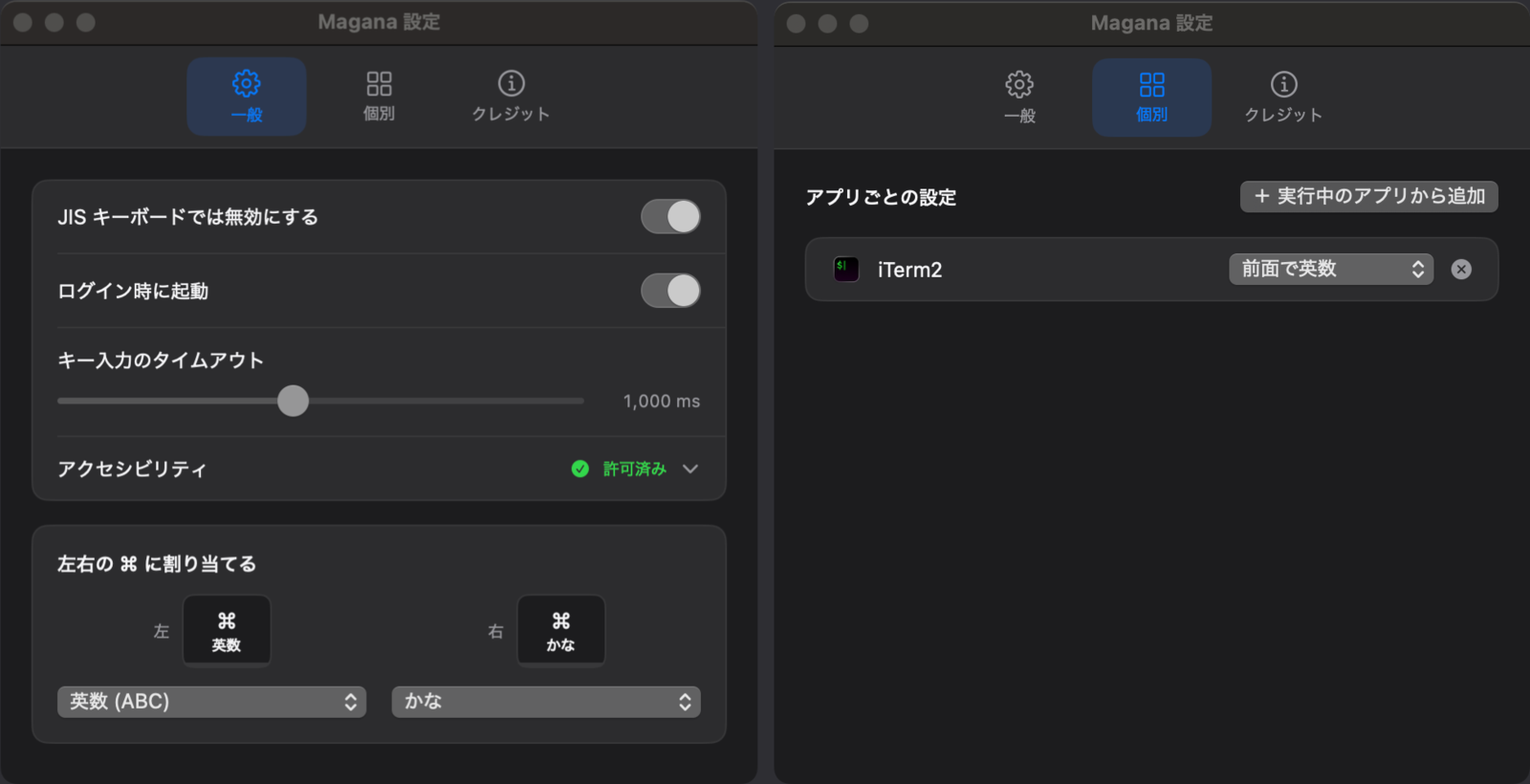
What it does
Press and Release ⌘ to SwitchPress and release the left ⌘ for Latin input, the right one for Japanese. A combination like ⌘+C, a long press, or both keys together leaves the input alone. The ⌘ still reaches the app you are in, so your existing shortcuts are unchanged.
Choose What Each Side DoesEach ⌘ can be assigned to Latin input, to Japanese, or to nothing at all. Use one side only, or swap the two, whichever matches your hands.
Set a Default per AppPick an app and have it switch to Latin input or to Japanese whenever it comes to the front. You can also turn switching off entirely for an app. Terminal always English, chat always Japanese.
Set Where a Hold BeginsSet how many milliseconds between press and release still counts as a switch, anywhere from 200 to 2000. It absorbs the difference between hands that linger on the key and hands that do not.
What it needs
- Operating system
- macOS 14 (Sonoma) or later.
- Keyboard layout
- Written for a US layout. While a JIS keyboard is connected, switching stops by default, though a setting keeps it running.
- Permissions
- Accessibility, and nothing else. It does not ask for Input Monitoring.
- Japanese input
- Switching to Japanese needs a Japanese input source enabled in System Settings. The menu says so when there is none.
- Source code
- The code is published under GPL-3.0, so everything described here can be read in the repository.
- Price
- Free.
Install it
Grab the latest build from GitHub Releases.
macOS 14 Sonoma or later · Accessibility permission required · Free (GPL-3.0)